 Music Folder
- Music Folder
- Orchestras & choirs
Sheet music for orchestras and choirs.
Every part, organized and shared. Build the concert program as a set list, send it to the ensemble, and everyone plays from the same pages in the same order.
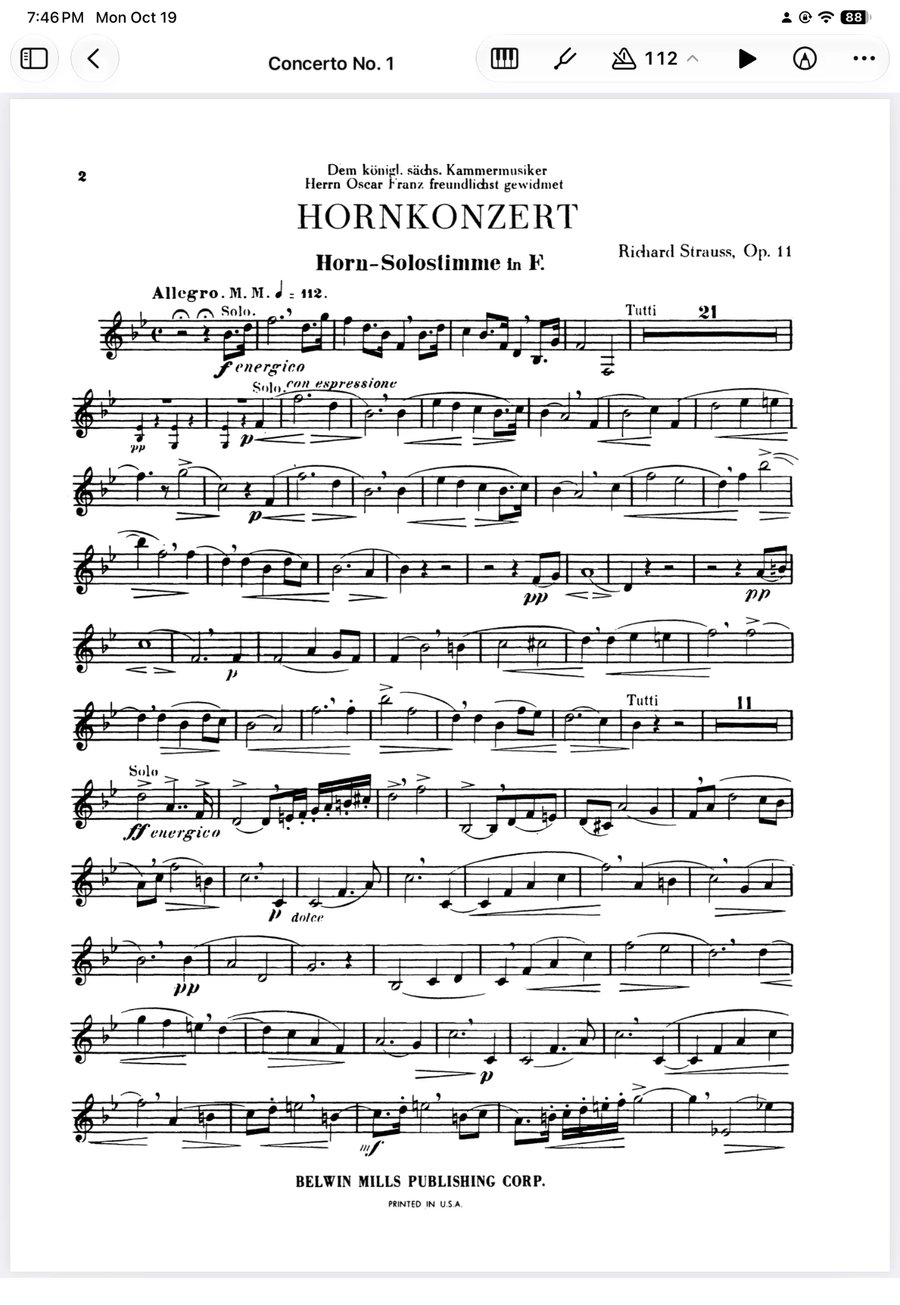
Ready for the first rehearsal.
Organize your library
Import parts, octavos and scores, and sort them into folders by ensemble, season or genre.
Build the program
Make a set list for the concert and add pieces from your library in performance order, single movements included.
Share it with the ensemble
Players and singers get the program on their own devices. You choose who can edit.
The concert program, shared.
Build the program once as a set list and share it. Change the order or add an encore, and every musician's copy updates before the downbeat.
- Whole pieces or single movements, in performance order
- Section leaders can edit, players view only
- Turn pages with a Bluetooth pedal, straight through the program
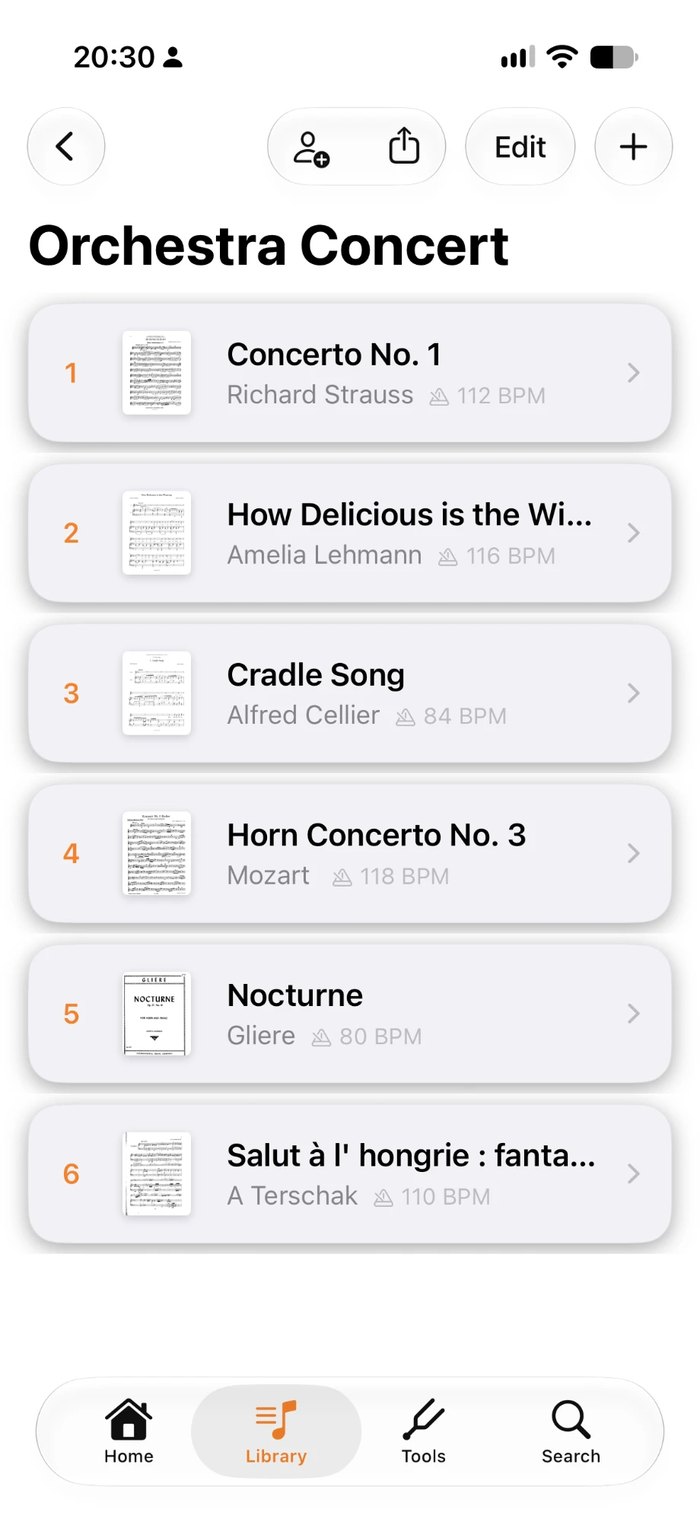
A library organized your way.
Keep your music in folders by ensemble, season or genre. Share a folder and the whole choir has the season's repertoire, with every new piece added for everyone.
- Folders by ensemble, season or genre
- Share a folder, or send a one-time copy
- Tags and search to find any piece
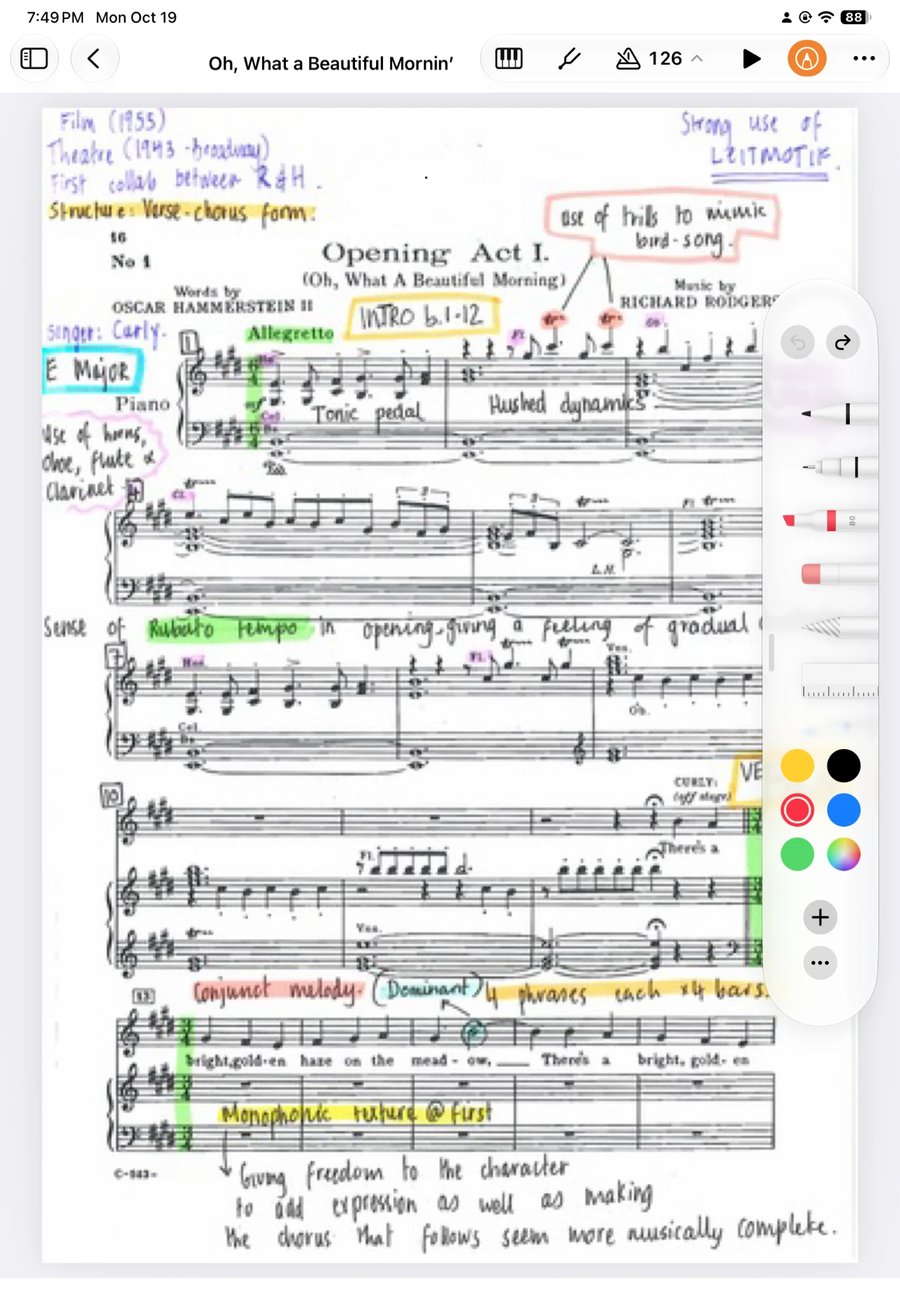
Mark it up like pencil on paper.
Circle the cut, pencil in the breath, highlight your entrance. Write with Apple Pencil or your finger and every mark saves.
- Pens, highlighters and text in several colours
- Each musician's markings stay their own
- Song notes for rehearsal reminders
Ready for the classroom.
Band and choir directors share a folder with the class. Students read view-only parts at rehearsal and practise from the same music at home.
- A folder for each class, a set list for each concert
- Students on view only, staff can edit
- A tuner and metronome for home practice
Tools for rehearsal.
One tap from the score.
Chromatic tuner
Set A4 anywhere from 415 to 466 Hz.
Tones & drones
Sustained drones for intonation.
88-key piano
Give the starting pitches.
Metronome
Tap tempo, subdivisions, a tempo saved per piece.
Books and bookmarks
Whole scores and octavo collections in one file.
Recordings per piece
Record a rehearsal or attach a reference recording.
“I was worried about the organization of the music. This app is like a blessing!”
Questions from ensembles
How do I share music with the whole ensemble?
Build the concert program as a set list, or keep the season's repertoire in a folder, and share it with your players or singers who use Music Folder. Choose for each person whether they can edit or only view, and changes appear on everyone's device.
Can I use it with a school band or class?
Yes. Directors share a folder with the class, with students on view only, so everyone has the same music at rehearsal and at home. Joining a shared folder is free, and shared music doesn't count toward the free version's 15-song limit.
Can I keep a whole score or octavo collection in one file?
Yes. Import it as a book and add a bookmark for each piece or movement to jump straight to it.
Does it work on iPhone as well as iPad?
Yes. iPad is best for reading full pages; iPhone keeps the same library in your pocket, synced through iCloud.
How much does it cost?
Free for up to 15 songs, 1 book and 1 folder, with iCloud sync. Premium unlocks unlimited music, the complete toolkit and Planning Center: $19.99 a year with a 7-day free trial, $2.99 a month, or $49.99 once for lifetime access. Prices are in US dollars and may vary by region.
Walk on stage ready.
Made by a musician, for musicians.