 Music Folder
- Music Folder
- Annotation
Mark it up like paper.
Write fingerings, cues and cuts on any score with Apple Pencil or your finger. Every marking saves on the page and syncs across your devices.
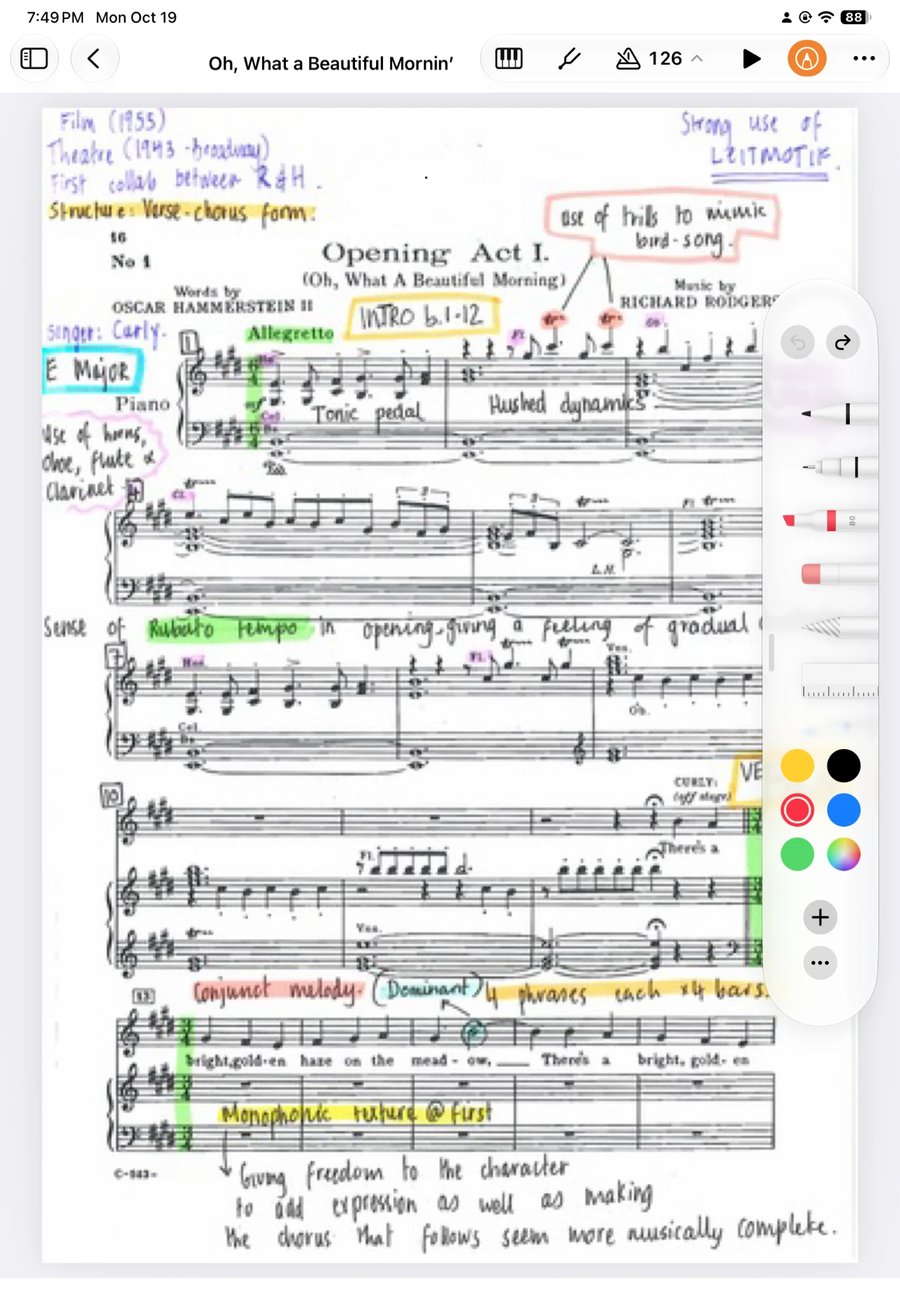
Your first marking in seconds.
Open a score
Any song, book or chart in your library, or a Planning Center chart.
Tap the pencil
The pen palette opens beside the music.
Write, then save
Mark it up, tap the checkmark, and it’s saved on the score.
Saved on the score, synced everywhere.
Your markings are saved right on the page, so they’re there on your iPad, your iPhone and every time you open the piece.
- Synced across your devices with iCloud
- Planning Center charts keep their markings too
- Erase or change anything later
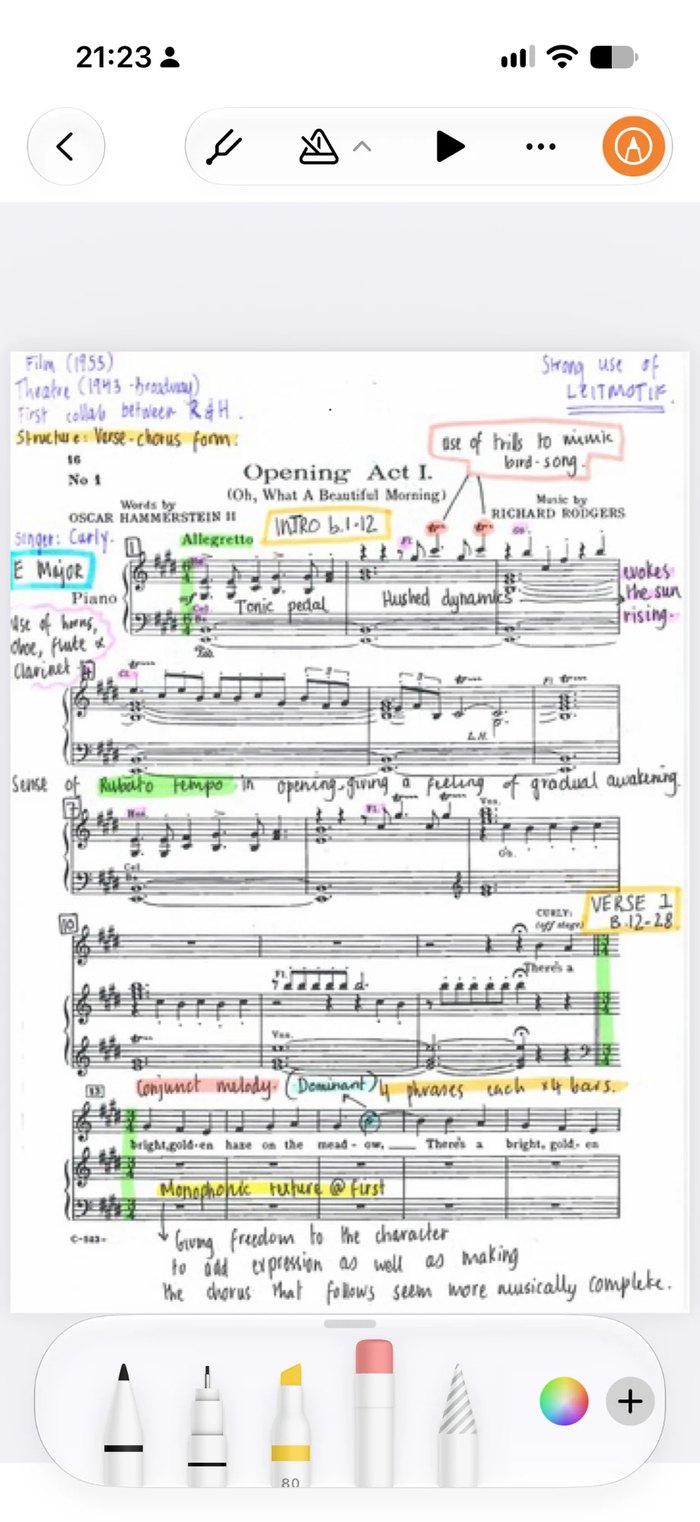
Print or share it marked up.
Send a song or set list as a PDF with your markings included, ready to print or email.
- One PDF for a whole set list
- Markings included in the PDF
- Or send a copy others can keep editing
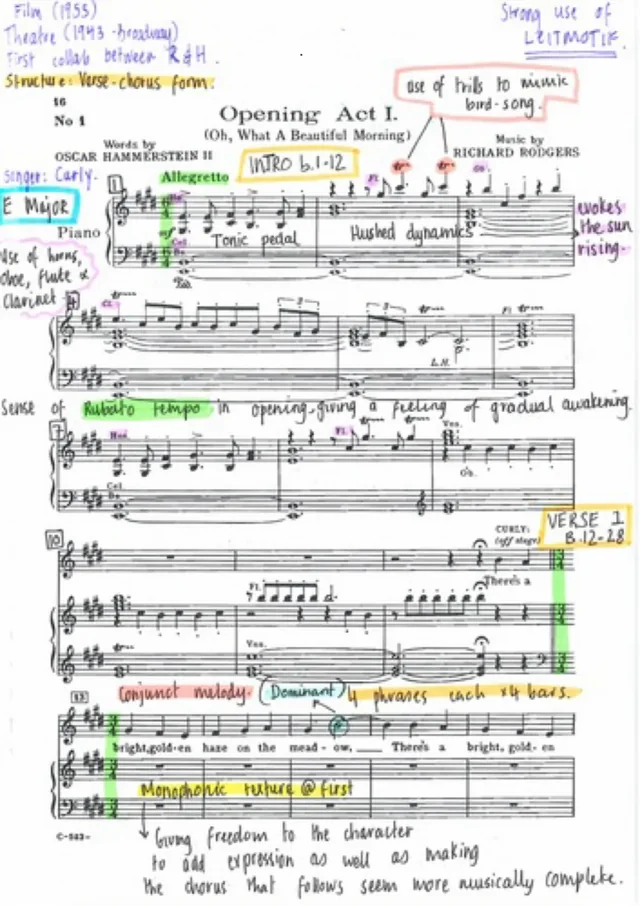
Every tool you’d reach for.
Apple’s own pen tools, right on the score.
Pens
Fine lines for fingerings, bowings and breaths.
Highlighter
Mark your entrances and repeats.
Text
Type cues and reminders in several fonts.
Eraser
Take out anything, mark by mark.
Any color
One color per job: dynamics, cuts, cues.
Pencil or finger
Apple Pencil on iPad, your finger anywhere.
Questions about annotation
Do I need an Apple Pencil?
No. You can write with your finger on iPhone and iPad. Apple Pencil gives you finer control on iPad.
Can I type on the score?
Yes. Add text boxes for cues and reminders, in several fonts.
Do my markings sync to my other devices?
Yes, for your own music and Planning Center charts. On music someone has shared with you, your markings stay on the device you wrote them on.
Can I share a marked-up copy?
Yes. Share a song or set list as a PDF with your markings included.
Is annotation free?
Yes. Annotation is part of the free version. Free for up to 15 songs, 1 book and 1 folder, with iCloud sync. Premium unlocks unlimited music, the complete toolkit and Planning Center: $19.99 a year with a 7-day free trial, $2.99 a month, or $49.99 once for lifetime access. Prices are in US dollars and may vary by region.
Walk on stage ready.
Made by a musician, for musicians.