 Music Folder
- Music Folder
- Set lists
The set list app that holds your music.
Build the set from your own charts and scores, share it with everyone, and play the whole thing straight through, one page after another.
Build a set in a minute.
Pick the songs
Choose songs from your library, or a single piece from inside a songbook. Playing one twice? Add it twice.
Put them in order
Drag to reorder. Give the set a date, and it waits on your Home screen when it’s next.
Play it through
The whole set opens as one score, with what’s up next. Turn pages with a swipe or a Bluetooth pedal.
For every kind of set.
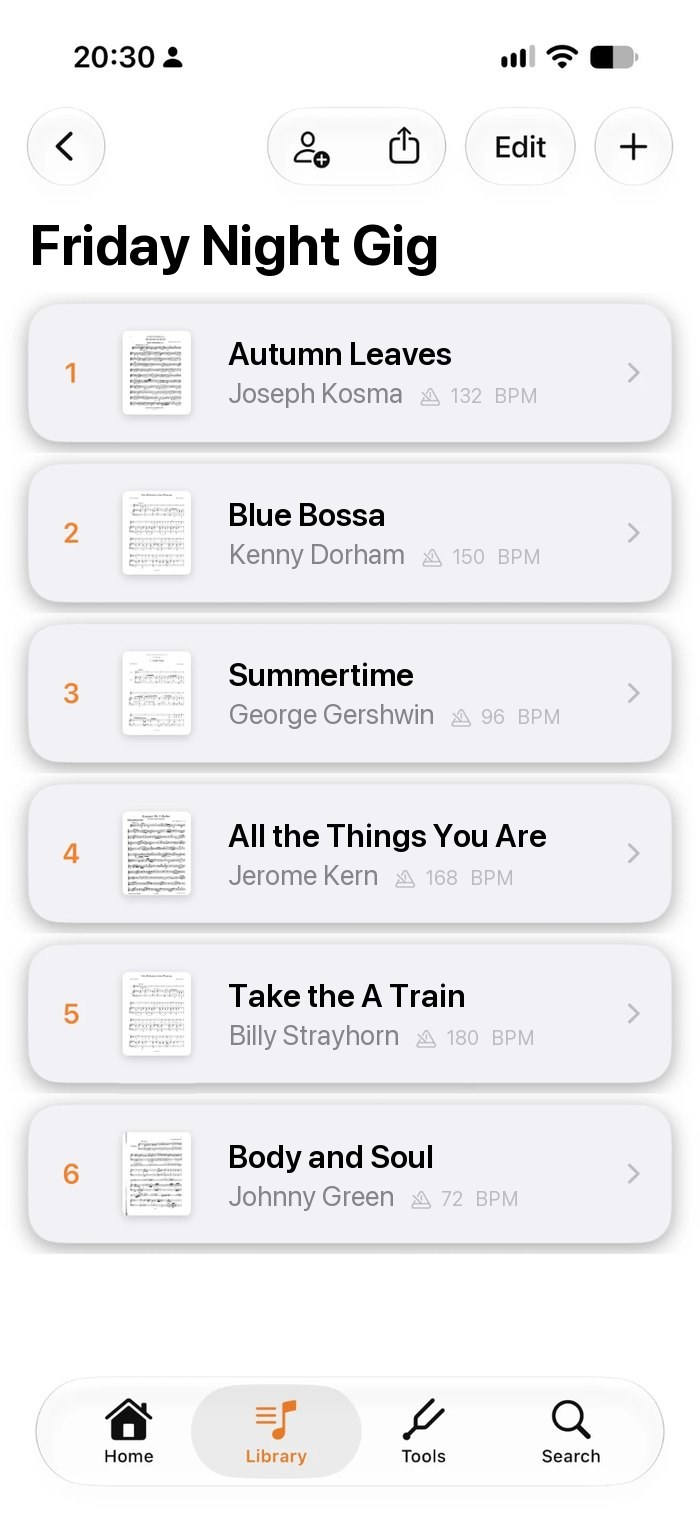
A gig on Friday, a service on Sunday, a concert next month. Every set list keeps its own songs, order and date.
- A date for every set list
- The next one on Home, marked Today or Tomorrow
- Tempo and composer on every row
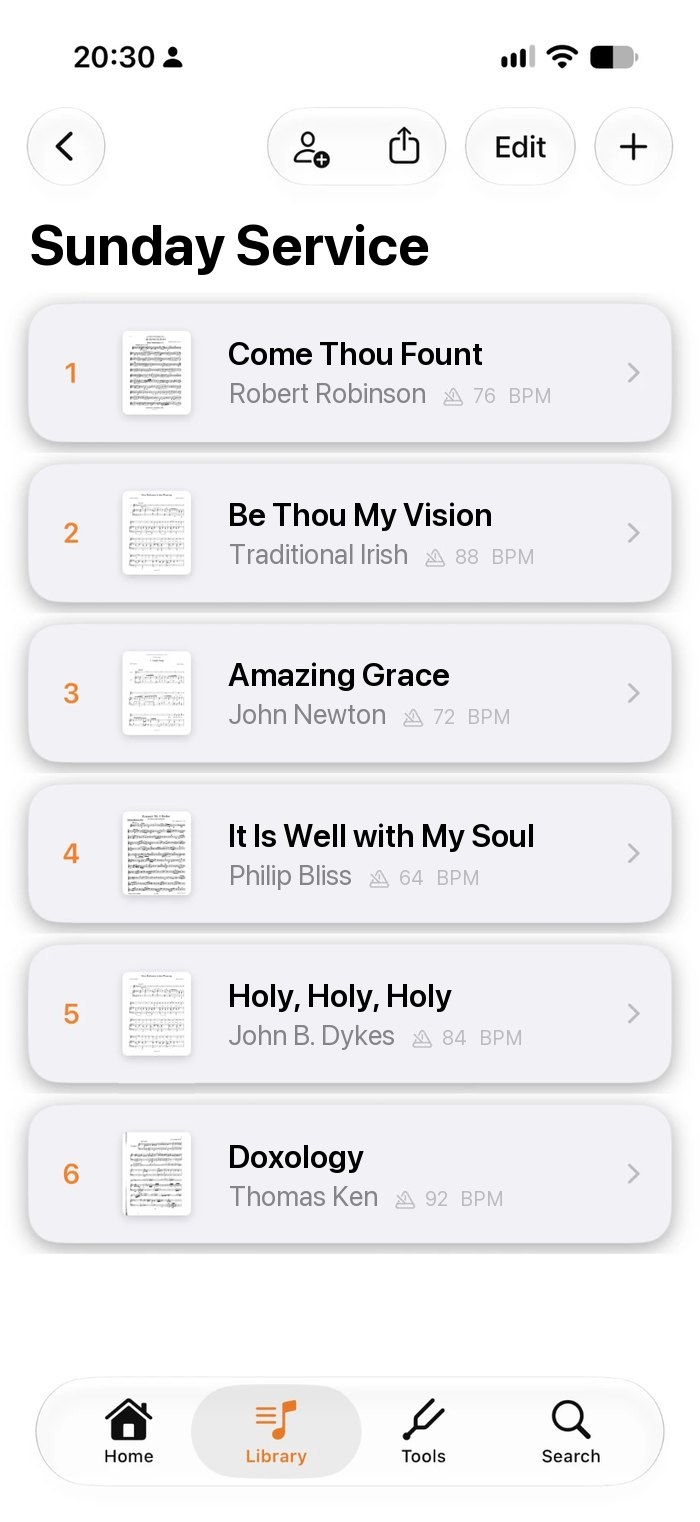
Songs from your books, too.
Keep a hymnal or songbook as one PDF and bookmark each song. Add the bookmarks to your set, and playback shows only those pages.
- Bookmarks show the book and pages
- Mix whole songs and bookmarks in one set
- No splitting PDFs by hand
- 1Come Thou FountHymnal · p. 112
- 2Be Thou My VisionHymnal · p. 87
- 3Amazing Grace♩=72
- 4It Is Well with My SoulHymnal · pp. 210–211
- 5Doxology♩=92
Everyone on the same page.
Share the set with your band or team. Swap a song or change the order, and everyone’s copy updates.
- Choose who can edit and who can only view
- Send it as one PDF, markings included
- Or send a copy for others to import
 YouBand leaderCan edit
 KeysBand memberCan edit
 BassBand memberView only
 DrumsBand memberView only
Questions about set lists
Can the same song be in a set list twice?
Yes. Add it as many times as you play it.
Can I use a song from inside a songbook?
Yes. Import the book as one PDF, add a bookmark for each song, then add the bookmarks to your set. Playback shows only the bookmarked pages.
Can I share a set list with my band?
Yes. Share it live with people who use Music Folder and choose who can edit, or send it as one PDF with your markings included.
Can I add Planning Center songs to a set list?
Yes. With Planning Center connected, you can mix your team’s songs with your own charts in one set. Planning Center is part of Premium.
How much does it cost?
Set lists are included in the free version. Free for up to 15 songs, 1 book and 1 folder, with iCloud sync. Premium unlocks unlimited music, the complete toolkit and Planning Center: $19.99 a year with a 7-day free trial, $2.99 a month, or $49.99 once for lifetime access. Prices are in US dollars and may vary by region.
Walk on stage ready.
Made by a musician, for musicians.