 Music Folder
- Music Folder
- Sharing
Share your music with the whole group.
Share a folder or a set list, choose who can edit, and every change reaches everyone’s iPhone and iPad.
 YouDirectorCan edit
 Assistant directorTeacherCan edit
 FluteStudentView only
 TrumpetStudentView only
Shared in three steps.
Pick a folder or set list
Share a whole folder of repertoire, or just this week’s set.
Invite your group
Send the invitation with Messages or Mail, and choose who can edit and who can only view.
Stay in sync
Add a song or change the order, and it updates for everyone right away.
You decide who edits.
Leaders and section leaders can edit; everyone else can view. Change anyone’s access, or remove them, whenever you need to.
- Can edit or view only, person by person
- Invite only: nothing is public
- Shared music doesn’t count toward the free limit
 YouWorship leaderCan edit
 KeysMusicianCan editGuitarMusicianView onlyVocalsSingerView only
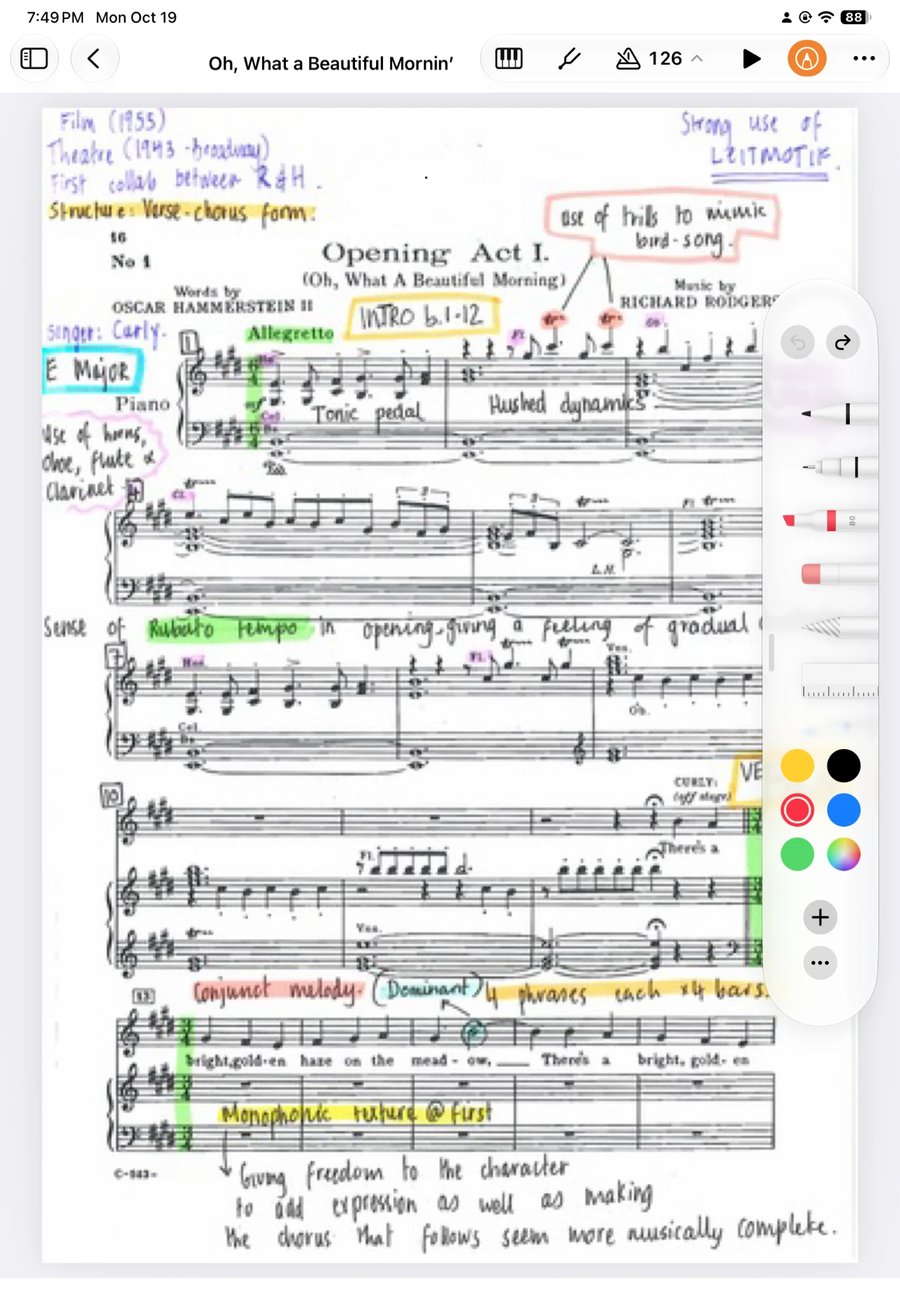
Everyone keeps their own markings.
Shared music arrives clean. Each musician marks up their own copy with Apple Pencil, and their markings stay theirs.
- Fingerings and cues that suit each player
- No one’s markings overwrite anyone else’s
- Song notes stay private too
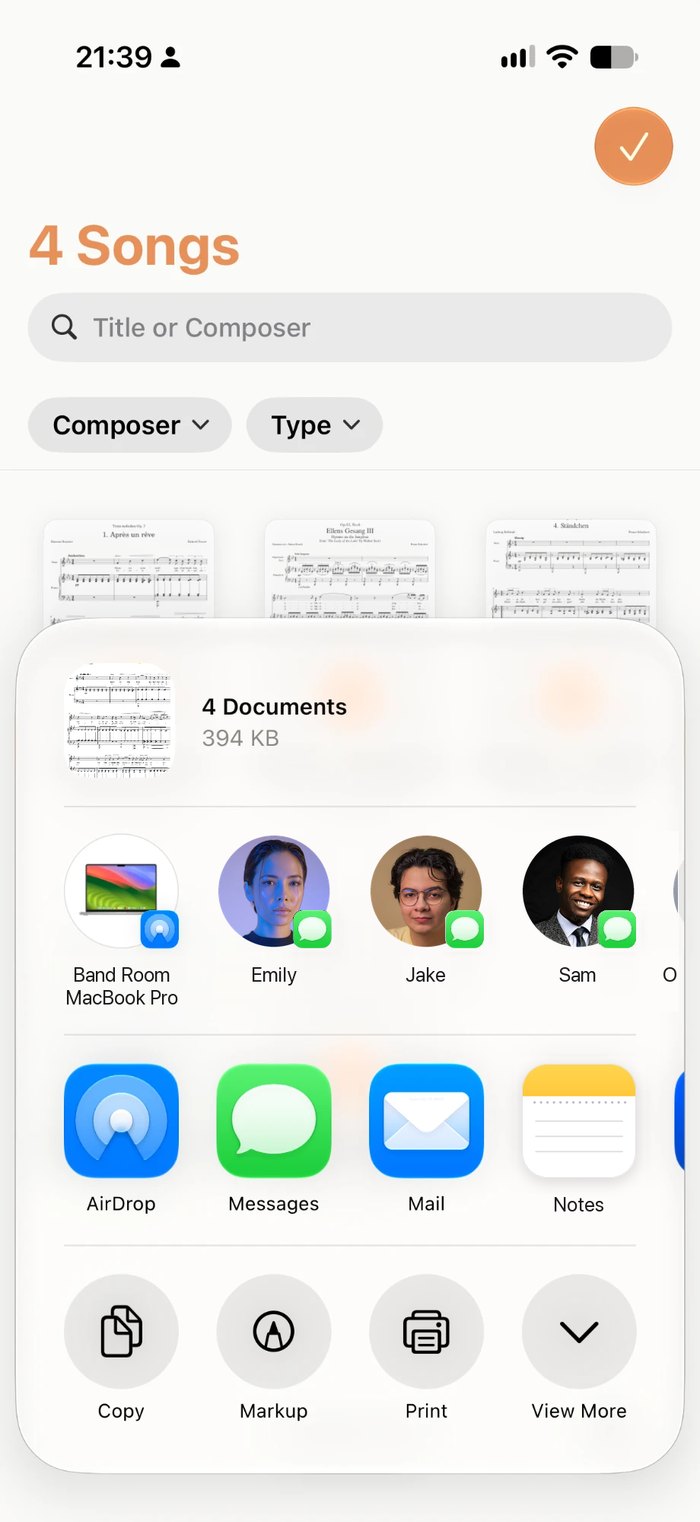
Or send a copy.
For someone who just needs the music once, send a song, folder or set list as a file. They tap it to import, markings and all.
- Songs travel with their recording
- Set lists as one PDF for printing
- Works with AirDrop, Messages and email
Questions about sharing
Do the people I share with need Premium?
No. Sharing is free, and music shared with you doesn’t count toward the free version’s 15-song limit.
What does everyone need?
An iPhone or iPad with iOS 15 or later, an iCloud account, and Music Folder.
Can the group see my markings?
Not in a live share. Each person’s markings stay their own. If you send a copy as a file, your markings go with it.
How quickly do changes appear?
Within moments, whenever each device is online. Everyone’s copy also works offline.
Can I stop sharing?
Yes. Remove one person or stop sharing with everyone at any time.
Walk on stage ready.
Made by a musician, for musicians.