 Music Folder
- Music Folder
- Page turner
Turn pages hands‑free.
Pair a Bluetooth page-turner pedal and keep both hands on your instrument. Pages turn in every score, and straight through your whole set list.
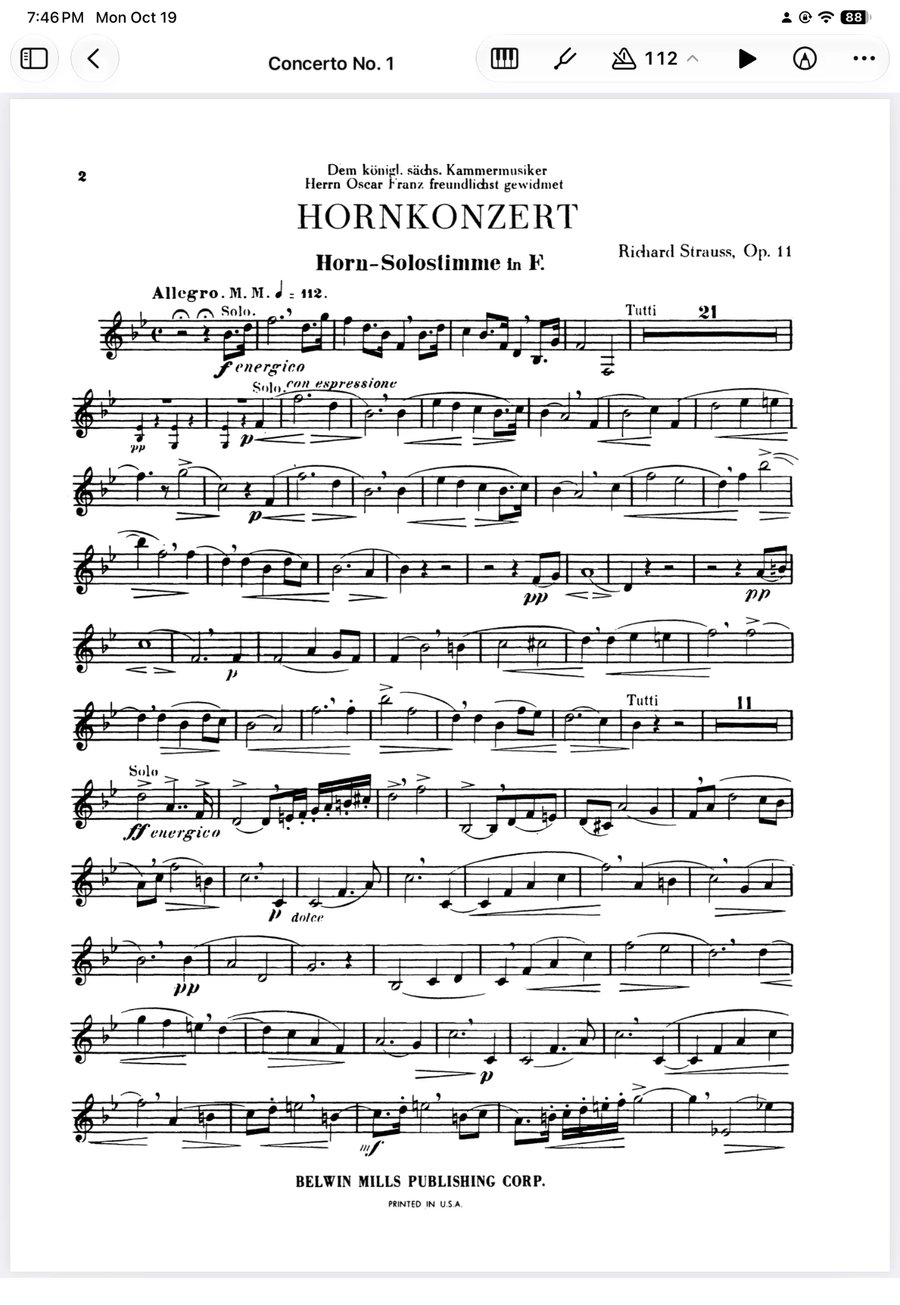
Set up in a minute.
Pair your pedal
Connect it in your iPhone or iPad’s Bluetooth settings, like any keyboard.
Choose arrow keys
Set the pedal to arrow keys or Page Up and Page Down. Most pedals have a mode for this.
Open a score and play
Press right for the next page and left for the previous one. Nothing to set up in the app.
Straight through the set.
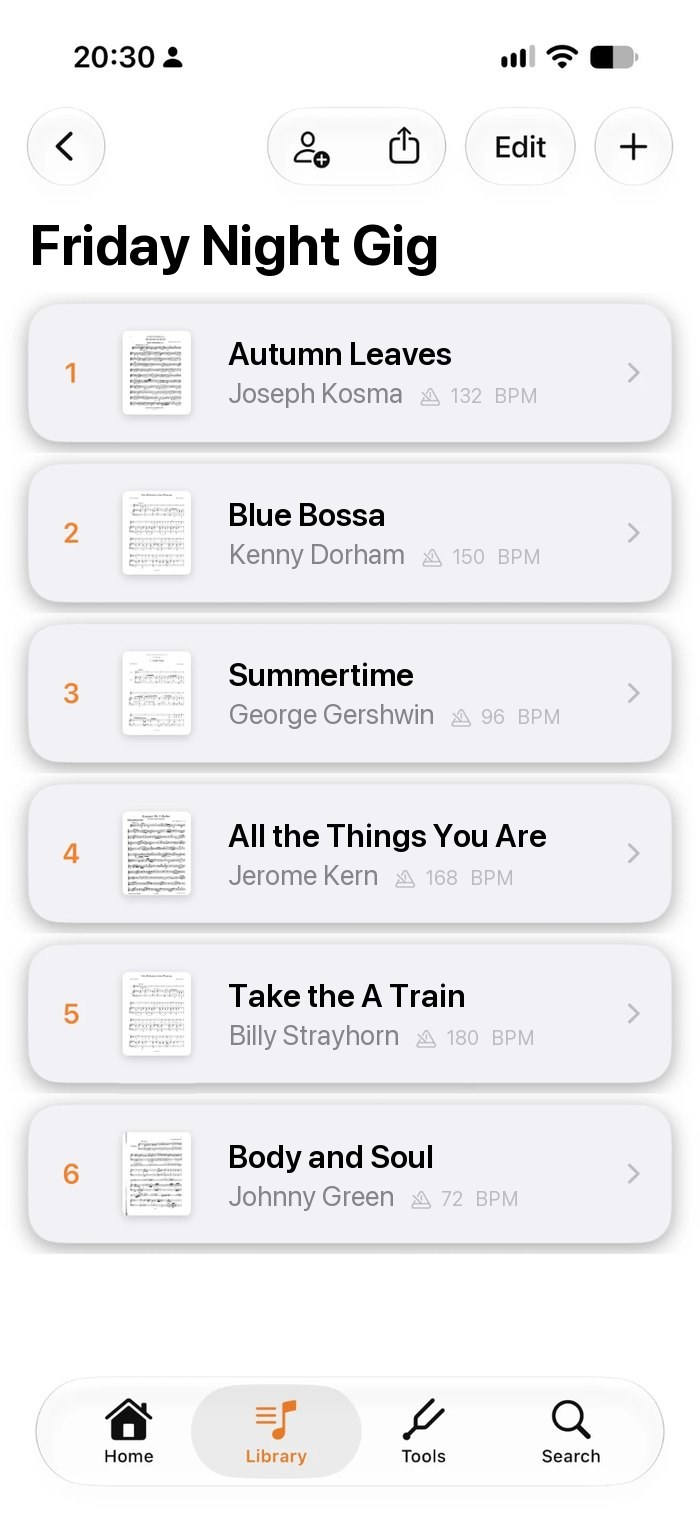
In a set list, a page turn on the last page carries straight into the next song, so the whole set plays like one score.
- Works in every reader, Planning Center services included
- Turn page by page, or scroll continuously
- The screen stays awake while you play
Every key a pedal might send.
Music Folder listens for all the keys page turners use, so most pedals work the moment they’re paired.
- Bluetooth keyboards work too
- Turns pause while you annotate or type a note
- Landscape for charts printed sideways
Questions about page turners
Which page-turner pedals work with Music Folder?
Bluetooth pedals that send arrow keys, Page Up and Page Down, Space or Return. That’s how most page turners work, including keyboard modes on popular pedals. Bluetooth keyboards work too.
Do I need to set anything up in the app?
No. Pair the pedal in your device’s Bluetooth settings and open a score. If pages don’t turn, switch the pedal to its arrow-key or Page Up and Page Down mode.
Does it work in set lists?
Yes. In a set list, turning past the last page of a song goes straight to the first page of the next one.
Can I turn half a page?
Not yet. Pages turn one at a time, side by side, or you can scroll continuously through the score.
Why does the on-screen keyboard disappear?
iPhone and iPad hide the on-screen keyboard while a keyboard-type pedal is connected. Turn the pedal off to type, then turn it back on.
Is page turning free?
Yes. Turning pages with a pedal works in the free version. Free for up to 15 songs, 1 book and 1 folder, with iCloud sync. Premium unlocks unlimited music, the complete toolkit and Planning Center: $19.99 a year with a 7-day free trial, $2.99 a month, or $49.99 once for lifetime access. Prices are in US dollars and may vary by region.
Walk on stage ready.
Made by a musician, for musicians.